How to Write SEO Title Tags That Get More Clicks
Your page title is often the first thing a potential visitor notices in a search result.
Someone searching for a solution may see ten different pages. Even when your page appears among them, a vague or confusing title can make the result less appealing.
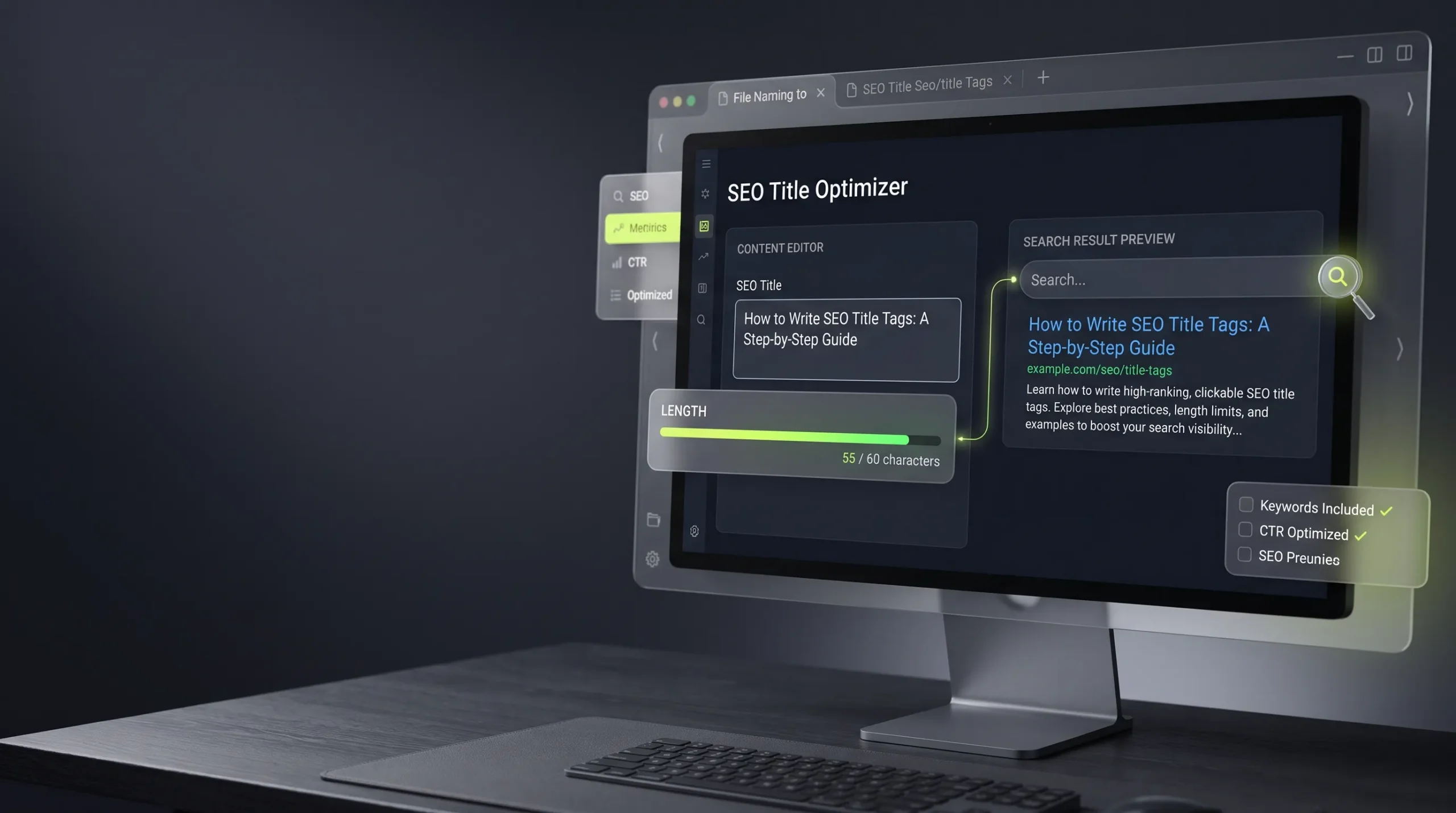
An effective SEO title should explain what the page offers, match the searcher’s intent, and give a clear reason to click.
This guide explains how to write title tags, how to avoid common mistakes, and how to check your titles before publishing.
What Is an SEO Title Tag?
An SEO title tag is the HTML title element that describes a web page.
It commonly appears as the clickable headline in search engine results and may also appear in browser tabs.
Example:
<title>How to Compress Images Without Losing Quality</title>A title tag helps search engines and visitors understand the subject of a page.
Google may generate a different title link for a search result using other page content and signals. Its title link documentation explains how title links are generated and how site owners can influence them.
How to Write an Effective SEO Title
1. Understand the Search Intent
Before writing a title, identify what the visitor wants.
Someone searching for “image compressor” may want a tool. Someone searching for “how to compress images” may want instructions.
Your title should match the purpose of the page.
For example:
- Tool page: Online Image Compressor – Reduce Image File Size
- Tutorial: How to Compress Images Without Losing Quality
- Comparison: PNG vs WebP – Which Format Should You Use?
These titles target related subjects but different needs.
2. Put the Main Topic in a Natural Position
Include the main subject clearly and early when it reads naturally.
Avoid forcing the same keyword into the title several times.
Weak example:
“Image Compressor Online | Compress Image | Best Image Compressor”
Better example:
“Online Image Compressor – Reduce Image File Size”
The second title communicates the page’s purpose without repeating the same phrase unnecessarily.
3. Make the Benefit Clear
A useful title tells readers what they can expect.
Compare:
- “Images and Websites”
- “How to Resize Images Without Stretching Them”
The second title is more specific. It describes a problem and promises a practical explanation.
4. Keep Titles Concise
There is no fixed character limit that guarantees a title will display completely in Google. Search result titles can be shortened depending on the device and available display width.
Write a concise title that communicates the topic without unnecessary words.
5. Make Every Page Title Unique
If several pages have identical titles, users may struggle to understand how the pages differ.
Give each page a title that reflects its specific content.
For example, a JSON formatter page and a JSON validator page should not use the same title simply because both involve JSON.
SEO Title Tag Examples
| Page type | Example title |
|---|---|
| Tool page | JSON Formatter – Format JSON Online |
| Tutorial | How to Format JSON for Easier Reading |
| Comparison | PNG vs WebP: Which Format Is Better? |
| Business tool | Online Invoice Generator – Create Invoices |
| Personal profile | Awais Ali – Software Developer & Digital Creator |
Use these as starting points, not templates to repeat across every page.
Common SEO Title Mistakes
Keyword stuffing: Repeating the same phrase makes titles unnatural and does not create a useful result.
Misleading promises: A title should accurately represent what the page contains.
Duplicate titles: Similar pages need distinct descriptions of their purpose.
Vague wording: Titles such as “Welcome” or “Useful Information” don’t explain what a page offers.
Unnecessary dates: Don’t add a year unless the content genuinely depends on current-year information and will be maintained.
Title and heading mismatch: The title tag and visible H1 should describe the same central topic, even if their wording differs slightly.
How to Check Your SEO Title
Before publishing a page, check:
- Does the title accurately describe the page?
- Is the primary topic clear?
- Does it match the search intent?
- Is it distinct from other page titles on your website?
- Does it avoid repeated keywords?
- Does the visible H1 support the same topic?
You can use the [Meta Title and Description Checker] on The Awais Ali to review your title and description. Insert the verified canonical tool URL before publishing this link.
Do Meta Descriptions Affect Title Rankings?
A meta description is different from a title tag. It provides a short summary of the page and may be used as the search result snippet.
Google can generate snippets from page content instead of always displaying the written meta description.
Write a useful, page-specific description that explains what the reader will find. Avoid stuffing it with keywords or making claims the page does not support.
Frequently Asked Questions
What is a good SEO title length?
There is no guaranteed character limit. Search engines may shorten title links based on display width, so focus on concise, descriptive wording rather than targeting an exact character count.
Should I put my keyword at the beginning of the title?
Place the main topic where it reads naturally and makes the page purpose clear. It does not need to be forced into the first word.
Should every page have a different title tag?
Yes. Each important page should have a distinct title that accurately describes its content.
Can Google change my SEO title?
Yes. Google may generate a different title link using the page’s visible heading, content, links, and other signals.
Are title tags and H1 headings the same?
No. The title tag is an HTML element in the document head. The H1 is a visible heading within the page content. They should communicate a consistent topic.
Final Thoughts
A strong SEO title is not a collection of keywords. It is a clear description of a page that helps the right person understand why the result is relevant.
Understand the search intent, write naturally, keep titles distinct, and review them before publishing.
For more guidance, follow Google’s title link best practices.