Base64 Encoding Explained With Practical Examples
You may have seen a long string of letters, numbers, and symbols inside an API response, configuration file, or web application and wondered what it means.
It might be Base64.
Base64 is a way to represent binary data using a set of text characters. Developers use it in different situations, including data transmission, email formats, and embedding certain types of content.
However, Base64 is often misunderstood. It is an encoding method, not encryption. Anyone who has the encoded value can decode it.
Let’s understand how it works and when it is useful.
What Is Base64 Encoding?
Base64 converts binary data into a text representation using 64 primary characters:
- A–Z
- a–z
- 0–9
+/
The equals sign (=) may appear as padding at the end of an encoded string.
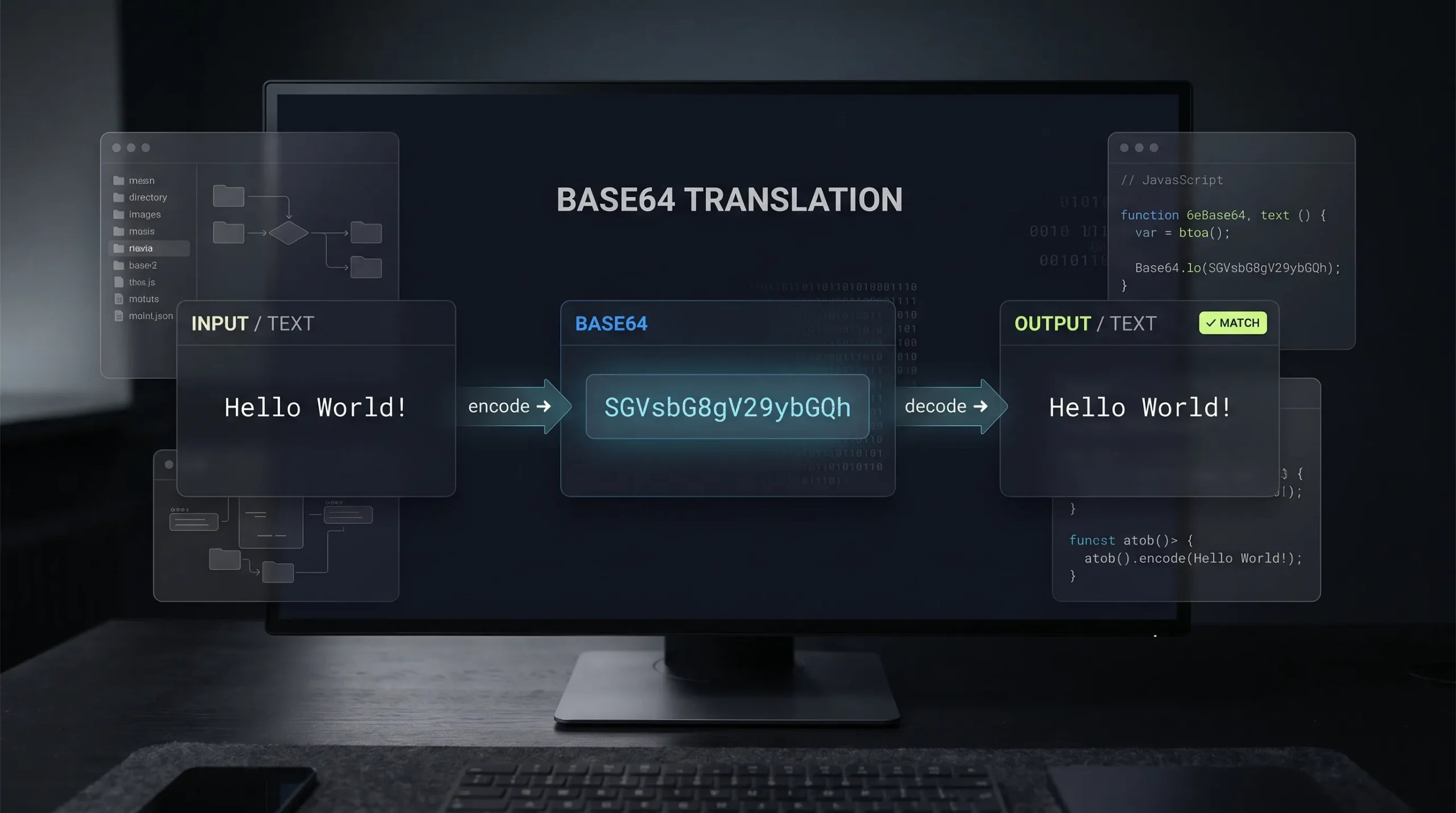
For example, the text:
Hellocan be represented in Base64 as:
SGVsbG8=The encoded string represents the original data in a different format. It does not make the information secret.
How Does Base64 Work?
Base64 processes data in groups of bits and maps those values to characters from its encoding alphabet.
In a simplified explanation, groups of three bytes are represented by four Base64 characters. If the final group is incomplete, padding may be added.
This is why a Base64 representation is often longer than the original data.
Base64 is useful when a system needs to carry binary information through a channel designed to handle text.
How to Encode Text to Base64
You can encode a text string using a Base64 encoder.
- Open the Base64 Encoder/Decoder tool on The Awais Ali.
- Enter the text you want to encode.
- Select the encoding action.
- Copy the generated Base64 string.
- Decode it again if you need to verify the result.
Insert the verified canonical URL of your Base64 tool here before publishing.
How to Decode a Base64 String
Decoding converts a Base64 representation back into its original data.
For example:
SGVsbG8=decodes to:
HelloTo decode a value, paste it into a Base64 decoder and select the decoding action.
Remember that not every Base64 string represents ordinary text. It may contain binary data, image data, or other content. The output depends on the original input.
Base64 in JavaScript
JavaScript provides btoa() and atob() for Base64 operations on binary strings whose character handling is limited to the Latin-1 range.
Example:
const original = "Hello";

const encoded = btoa(original);
console.log(encoded);

const decoded = atob(encoded);
console.log(decoded);
For Unicode text, such as many characters outside the basic Latin range, you need to handle UTF-8 conversion correctly. Do not assume btoa() accepts every Unicode string directly.
For more complex binary data, use the appropriate browser APIs and encoding methods for the data type.
Where Is Base64 Used?
1. Email Attachments
Email systems have historically used MIME encoding to represent binary attachments in a text-friendly format.
2. Data URLs
A data URL can include encoded data directly inside a URL.
For example:
data:image/png;base64,...This can be useful for small embedded assets, although large embedded images can make documents heavier.
3. API and Data Transfer
Some applications use Base64 to represent binary content inside JSON or other text-based formats.
4. Configuration and Development Workflows
Developers may encounter Base64 strings in configuration values, certificates, or encoded payloads. Always understand what the data represents before using it.
Is Base64 Encryption?
No. Base64 is encoding, not encryption.
Encryption uses a cryptographic process and a key to protect information. Base64 simply changes how data is represented.
Never use Base64 alone to protect passwords, API keys, personal information, or confidential data.
If a value is sensitive, use an appropriate security mechanism such as encryption and secure secret storage.
Does Base64 Make Files Smaller?
Usually not. Base64 representation typically increases the size of binary data by roughly one-third before other overhead.
It is used for compatibility and representation, not as a compression method.
If your goal is to reduce image file size, use an image compression workflow instead. For example, you can explore the Image Compressor for supported image files.
Frequently Asked Questions
What does Base64 mean?
Base64 is an encoding scheme that represents binary data using a text-friendly alphabet of 64 primary characters.
Can Base64 be decoded?
Yes. Base64 is reversible encoding. A valid encoded value can be decoded back to the original data.
Is Base64 secure?
No. Base64 does not provide confidentiality or authentication. It should never be treated as a replacement for encryption.
Why does Base64 contain an equals sign?
The equals sign may be used as padding when the final data group does not fill a complete Base64 output group.
Does Base64 support images?
Yes. Image data can be represented in Base64, including inside data URLs. This does not necessarily make it an efficient way to deliver large images.
Final Thoughts
Base64 is useful when binary information needs a text-based representation. It appears in email systems, web development, APIs, and data handling workflows.
The key distinction is simple: encoding changes representation, but it does not secure the information.
Use Base64 when a system requires it, and use proper encryption whenever sensitive data needs protection.