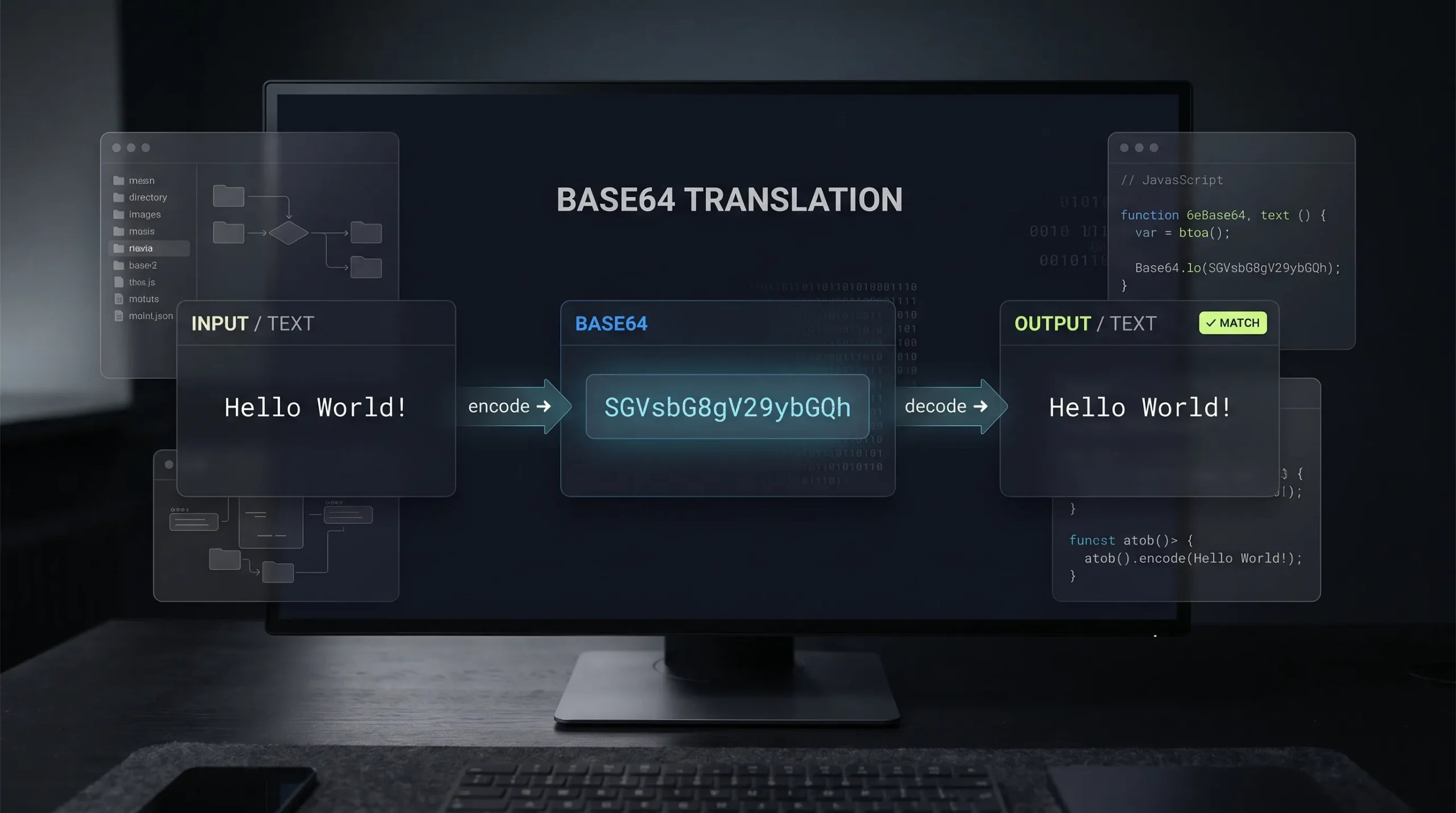
Base64 Encoding Explained: Encode & Decode Online
Base64 is one of the most commonly used encoding formats in software development. You’ll find it in API requests, email attachments, authentication headers, data URLs, configuration files and many other technical workflows.
But what exactly is Base64? Why do developers use it, and how can you convert text into Base64 without writing code?
In this guide, you’ll learn how Base64 encoding and decoding work, see practical examples, understand common mistakes, and discover how to convert Base64 strings instantly using an online tool.
What Is Base64 Encoding?
Base64 is a method of converting binary data into a text-based format using a set of 64 characters.
These characters include:
- Uppercase letters: A–Z
- Lowercase letters: a–z
- Numbers: 0–9
- Two additional characters: + and /
The equals sign (=) is commonly used for padding.
Computers work with binary data, but many systems are designed to handle text. Base64 makes it possible to represent binary information using characters that can be transmitted through text-based systems.
Important: Base64 is an encoding method, not encryption. It does not protect passwords, private information or confidential files.
How Does Base64 Encoding Work?
Base64 converts binary data into groups of six bits.
Here’s a simplified explanation:
- The original data is converted into binary.
- The binary data is divided into groups of six bits.
- Each group is mapped to a character from the Base64 alphabet.
- Padding characters are added when necessary.
For example, consider this text:
Hello
Its Base64 representation is:
SGVsbG8=
The original text and the encoded version represent the same information in different formats.
How to Encode Text into Base64 Online
You don’t need programming knowledge to convert text into Base64.
Follow these steps:
- Open the Base64 Encoder and Decoder tool on The Awais Ali.
- Enter or paste your original text into the encoder.
- Select the encode option.
- Copy the generated Base64 string.
- Use the encoded result wherever your application or workflow requires it.
This is particularly useful when working with APIs, configuration values, data transmission and development tasks.
How to Decode Base64 into Original Text
Decoding reverses the encoding process and converts a valid Base64 string back into its original data.
For example:
Encoded text:
SGVsbG8sIFdvcmxkIQ==
Decoded result:
Hello, World!
To decode a Base64 string:
- Open the online Base64 Encoder and Decoder.
- Paste your encoded string into the decoder.
- Select the decode option.
- Review and copy the decoded output.
If the encoded data represents an image, file or other binary content, the decoded result may not be readable text.
Where Is Base64 Used?
Base64 is useful in several everyday development and technical situations.
1. API Development
Some APIs require data to be represented as Base64 before it can be included in a request.
Developers may also encounter Base64 values in API responses, authentication workflows and application configurations.
2. Email Attachments
Email systems historically relied on text-based transmission formats. MIME uses Base64 encoding to represent binary attachments in a form suitable for these systems.
This allows images, documents and other files to be included in email messages.
3. Image Data URLs
Base64 can represent image data inside a data URL.
For example:
data:image/png;base64,iVBORw0KGgo...
This format can be used to embed image data directly into HTML or CSS.
However, Base64 increases the size of binary data by roughly one-third, so it isn’t always the best choice for large images.
4. Basic Authentication
HTTP Basic Authentication uses Base64 to encode the username and password combination before placing it in an Authorization header.
Remember that Base64 does not encrypt credentials. Basic Authentication must be used over HTTPS to protect credentials during transmission.
5. Developer Configuration and Data Exchange
Developers sometimes encounter Base64 strings in configuration files, logs, application responses and data exchange workflows.
An online decoder can help inspect these values without writing a conversion script.
Base64 vs Encryption: What’s the Difference?
One of the biggest misconceptions about Base64 is that it makes information secure.
It doesn’t.
| Feature | Base64 | Encryption |
|---|---|---|
| Main purpose | Data representation | Data protection |
| Requires a secret key | No | Usually yes |
| Reversible | Yes | Yes, with the appropriate key |
| Provides confidentiality | No | Yes, when properly implemented |
| Example | Encoding API data | Protecting sensitive information |
If you encode a password using Base64, anyone who knows the format can decode it.
Never use Base64 as a replacement for encryption, password hashing or secure credential storage.
Common Base64 Encoding and Decoding Errors
Even though Base64 is relatively simple, developers can encounter problems when working with encoded data.
Invalid Base64 Characters
A Base64 string may contain unexpected characters or formatting that prevents successful decoding.
Check that the input uses the correct Base64 alphabet and format.
Incorrect Padding
Standard Base64 strings may use one or two equals signs at the end for padding. Missing or incorrect padding can cause decoding errors in some tools.
URL-Safe Base64 Confusion
Standard Base64 uses + and /. Base64URL uses - and _ instead, making it more suitable for URLs and filenames.
These formats are related but should not always be treated as interchangeable without conversion.
Character Encoding Issues
Text is converted into bytes before Base64 encoding. Different character encodings can produce different results, especially when working with non-English characters or special symbols.
UTF-8 is commonly used for modern web applications.
Is It Safe to Use an Online Base64 Converter?
An online Base64 converter can be convenient for ordinary text and non-sensitive development data.
However, always consider what you’re submitting.
Avoid pasting:
- Passwords and private credentials
- API secret keys
- Authentication tokens
- Confidential business information
- Sensitive personal data
For sensitive information, use a trusted local tool or perform the conversion within your own application.
Frequently Asked Questions
What does Base64 mean?
Base64 is a binary-to-text encoding scheme that represents data using 64 primary characters.
Is Base64 the same as encryption?
No. Base64 only changes how data is represented. It does not provide confidentiality or prevent someone from decoding the information.
Can I decode Base64 without a password?
Yes. Standard Base64 decoding does not require a password or secret key.
Why does Base64 output end with equals signs?
The equals sign is used as padding when the original data does not fit perfectly into the required Base64 groups.
Does Base64 increase file size?
Yes. Base64-encoded data is generally around 33% larger than the original binary data, excluding additional formatting overhead.
Can Base64 encode images and files?
Yes. Base64 can represent binary data, including images and documents, although the resulting text may be significantly larger than the original file.
Is Base64URL different from Base64?
Yes. Base64URL replaces + with - and / with _ to make encoded data safer to use in URLs and filenames.
Convert Base64 Online with The Awais Ali
Whether you’re debugging an API response, inspecting encoded text or preparing data for a development workflow, converting Base64 shouldn’t require writing a separate script every time.
Use the free online tools available on The Awais Ali to simplify everyday technical tasks and get your work done faster.
Explore the available tools and make your development workflow more efficient.